CorvoSummarise anything. Privately.
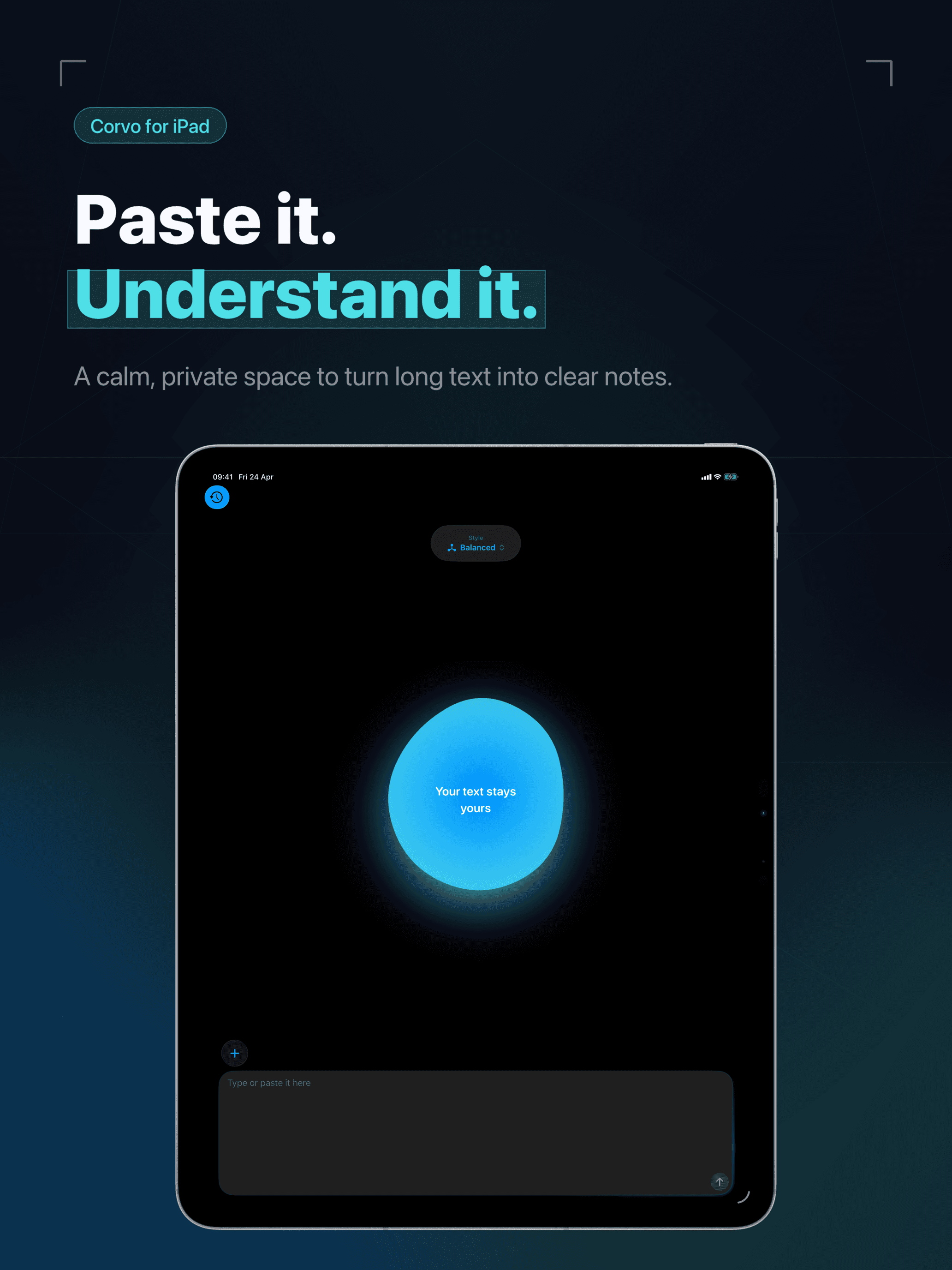
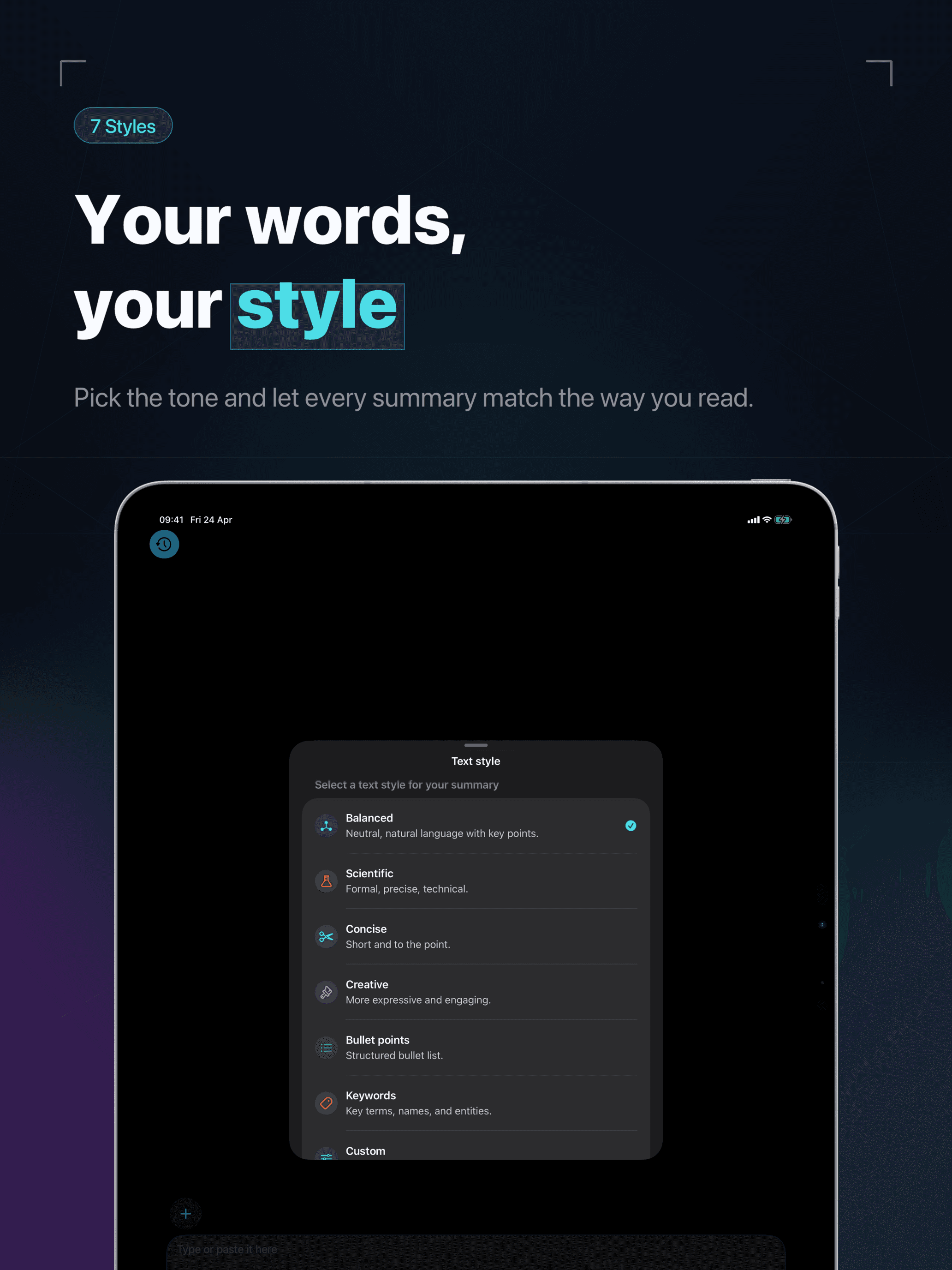
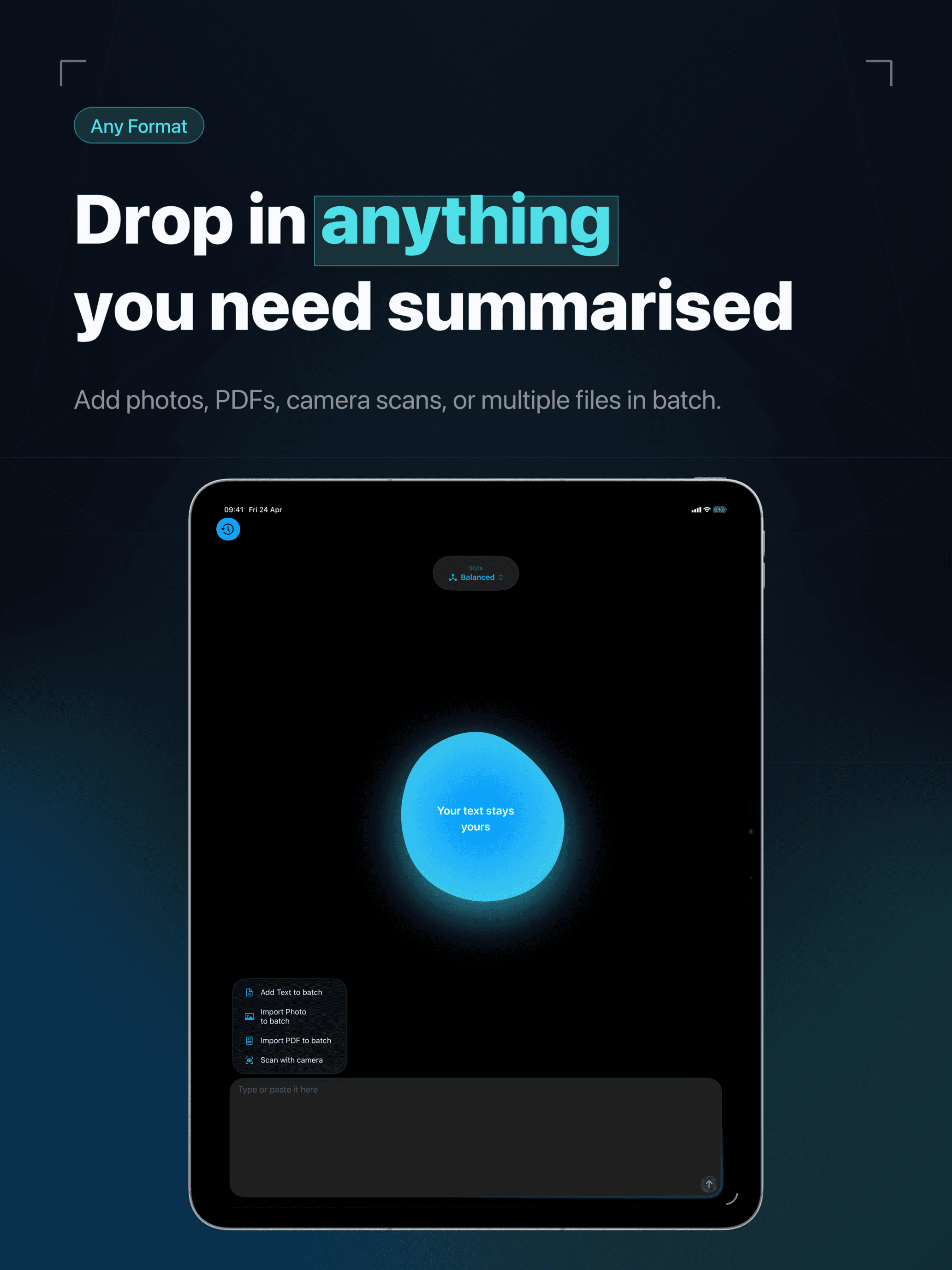
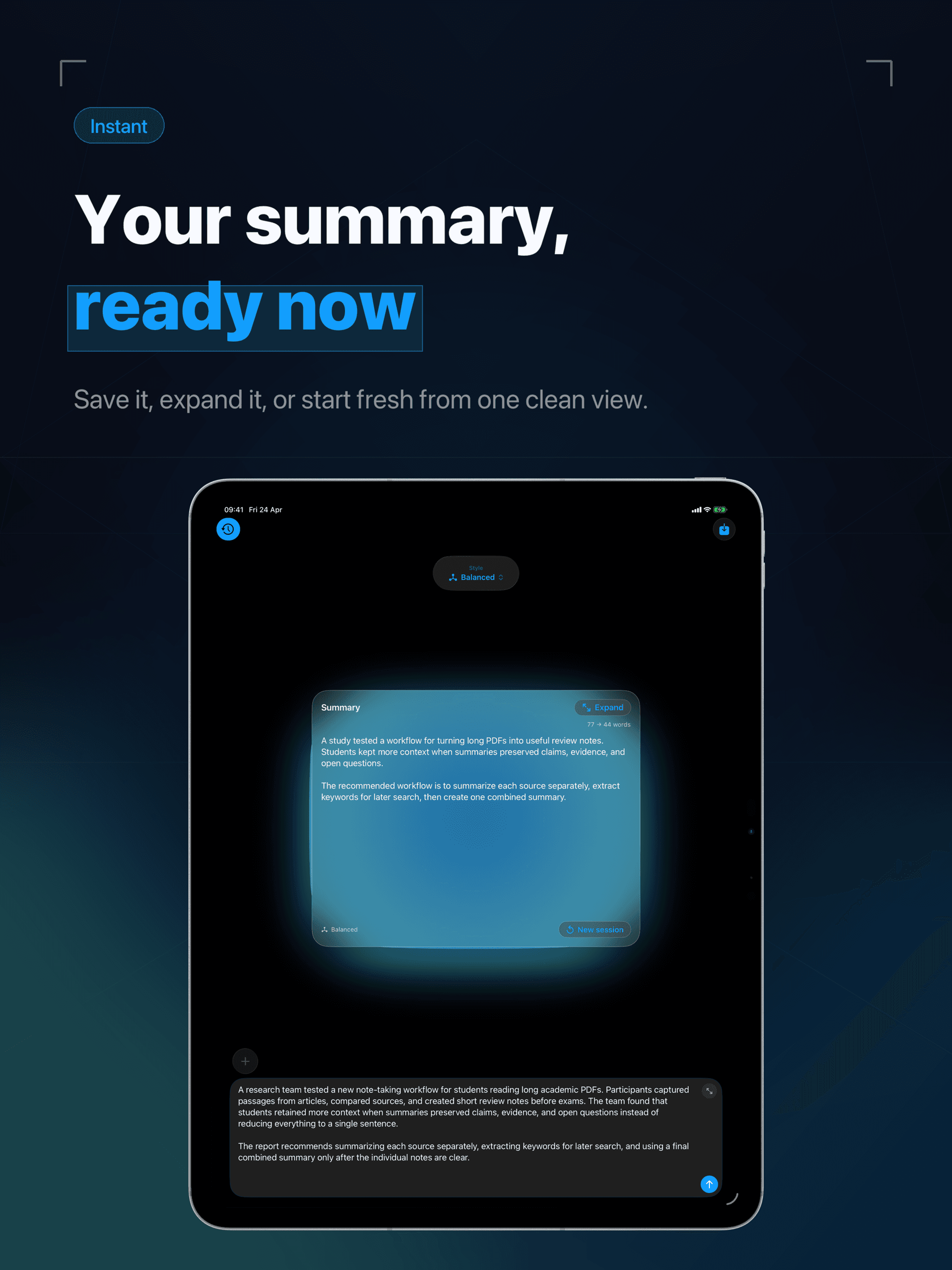
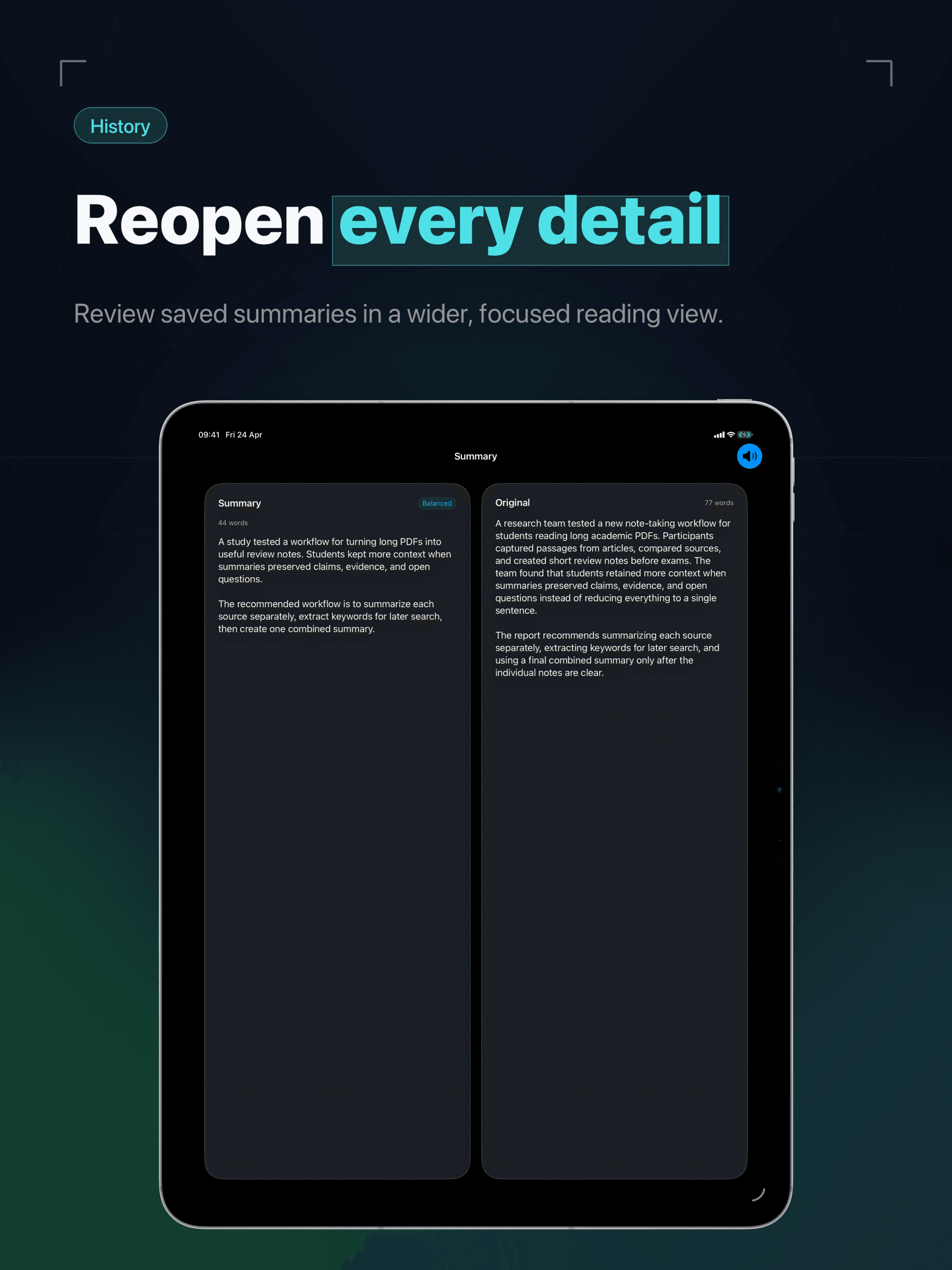
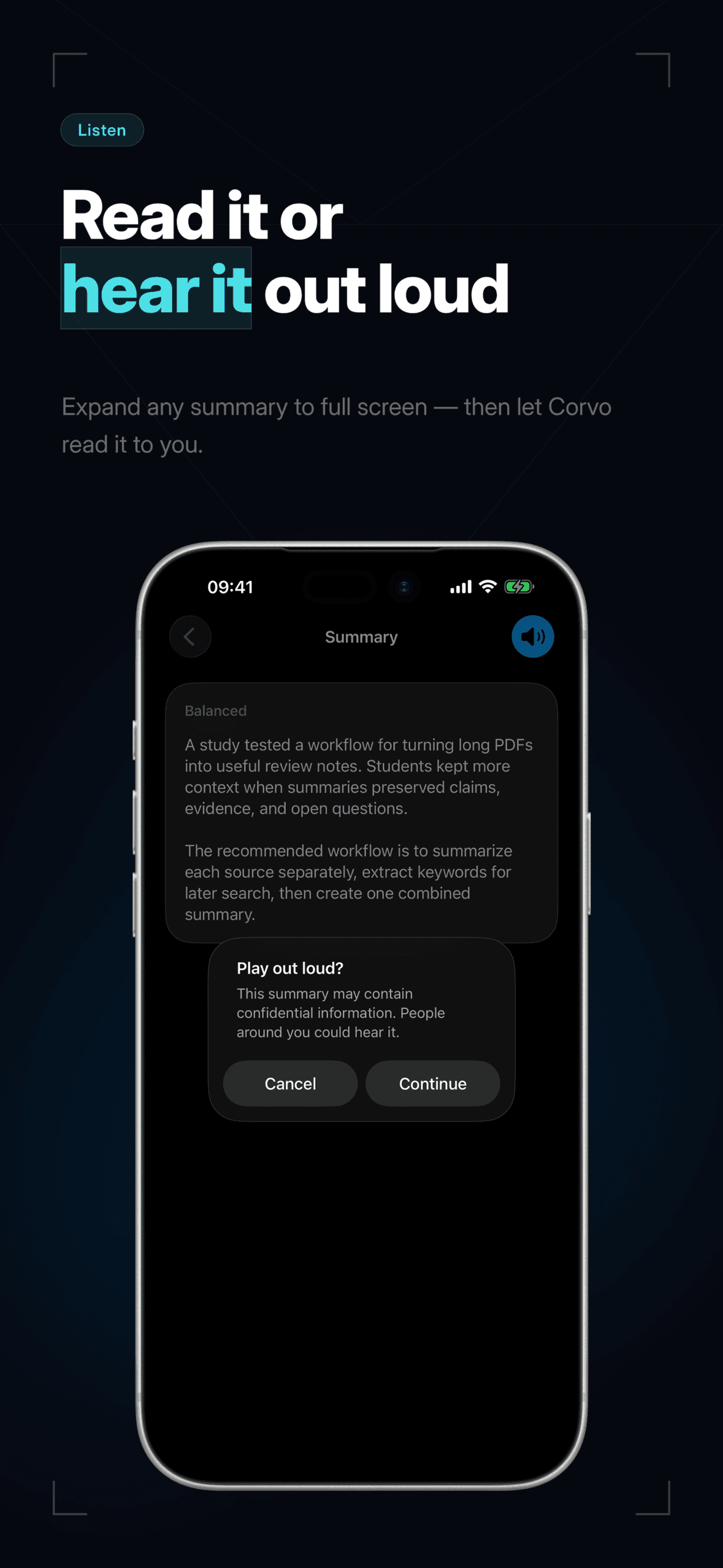
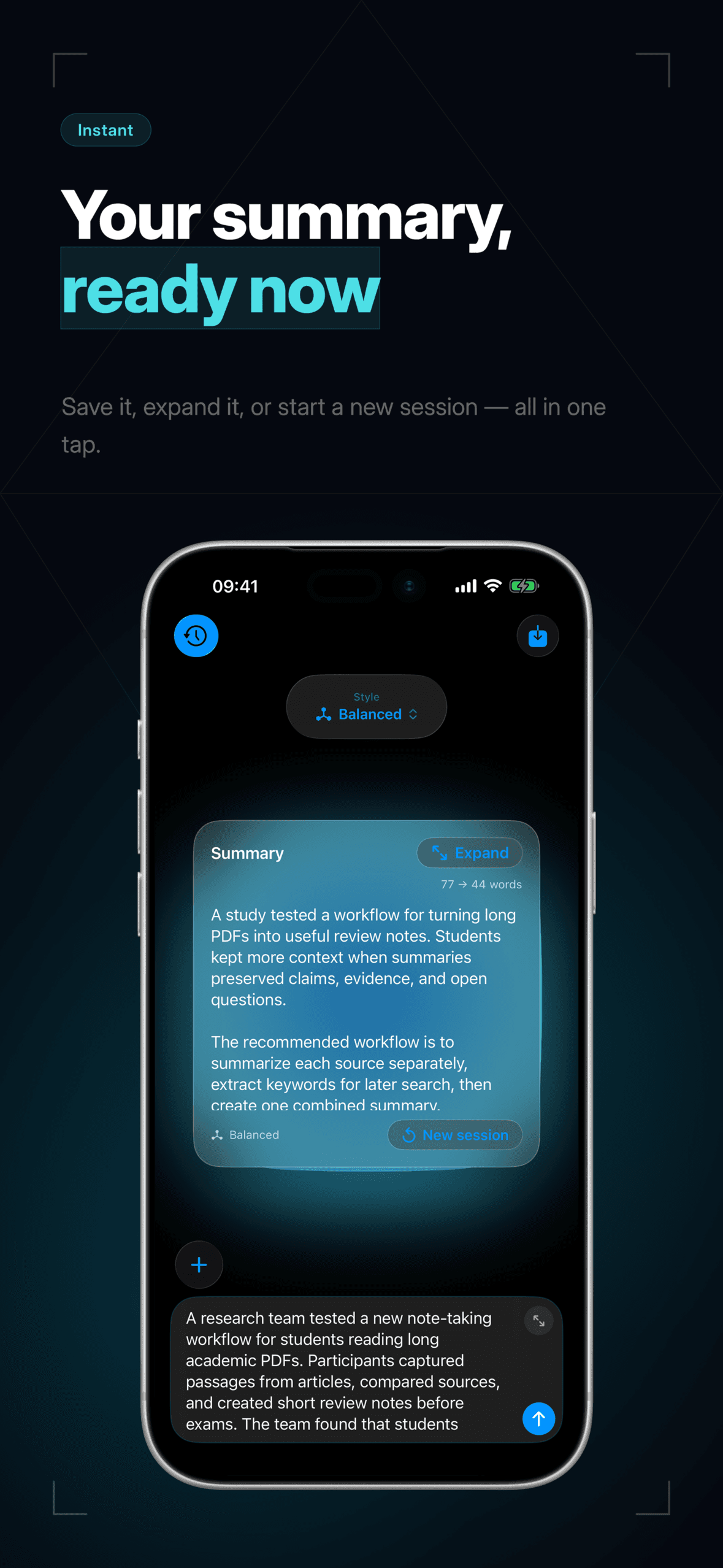
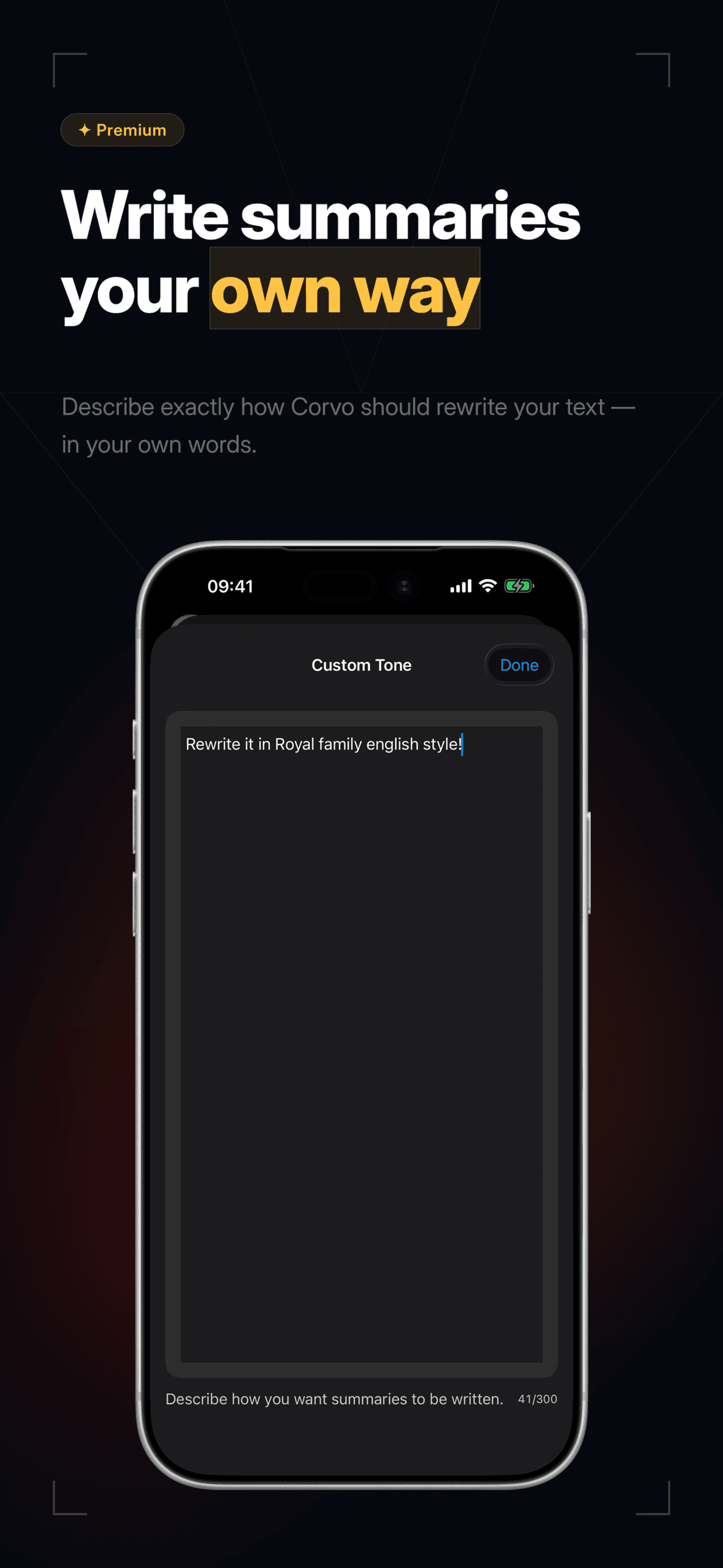
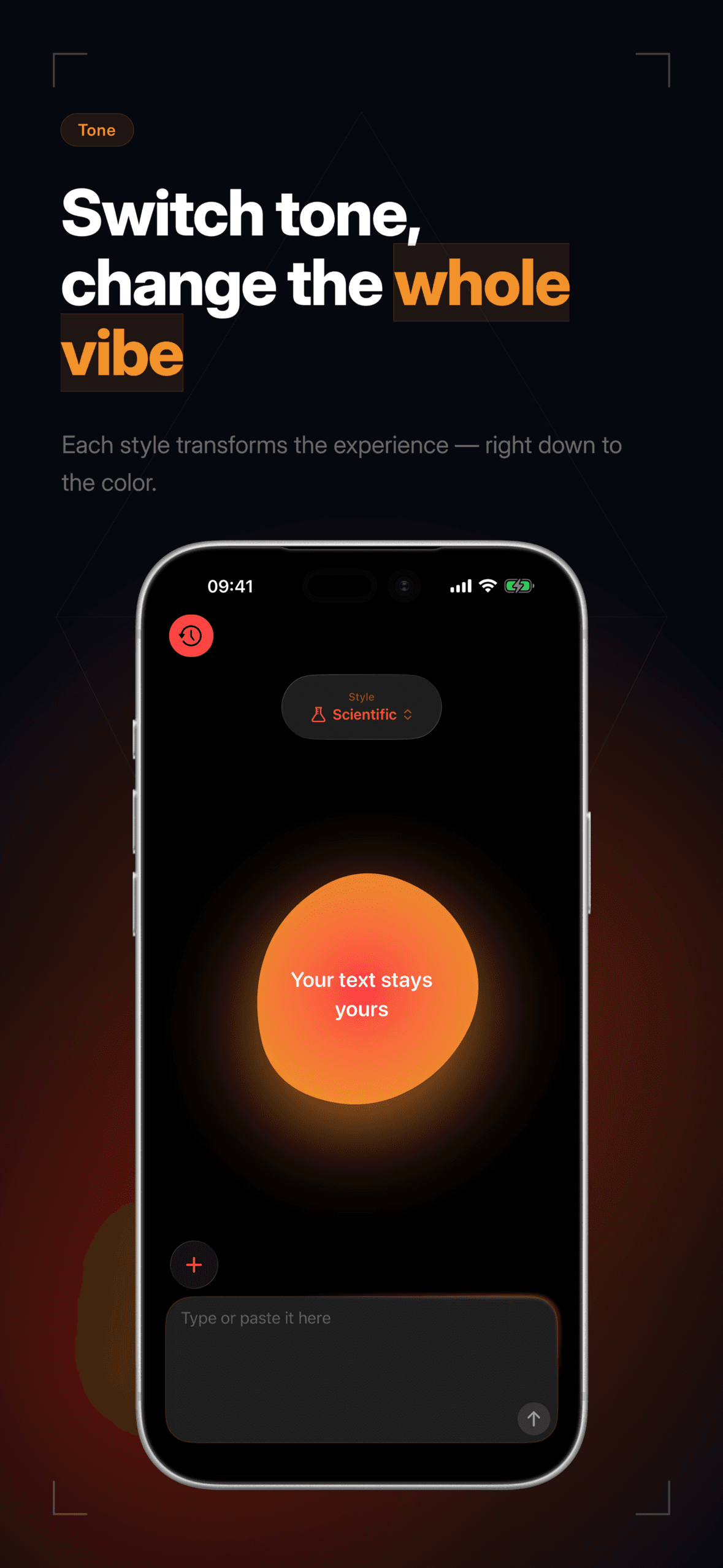
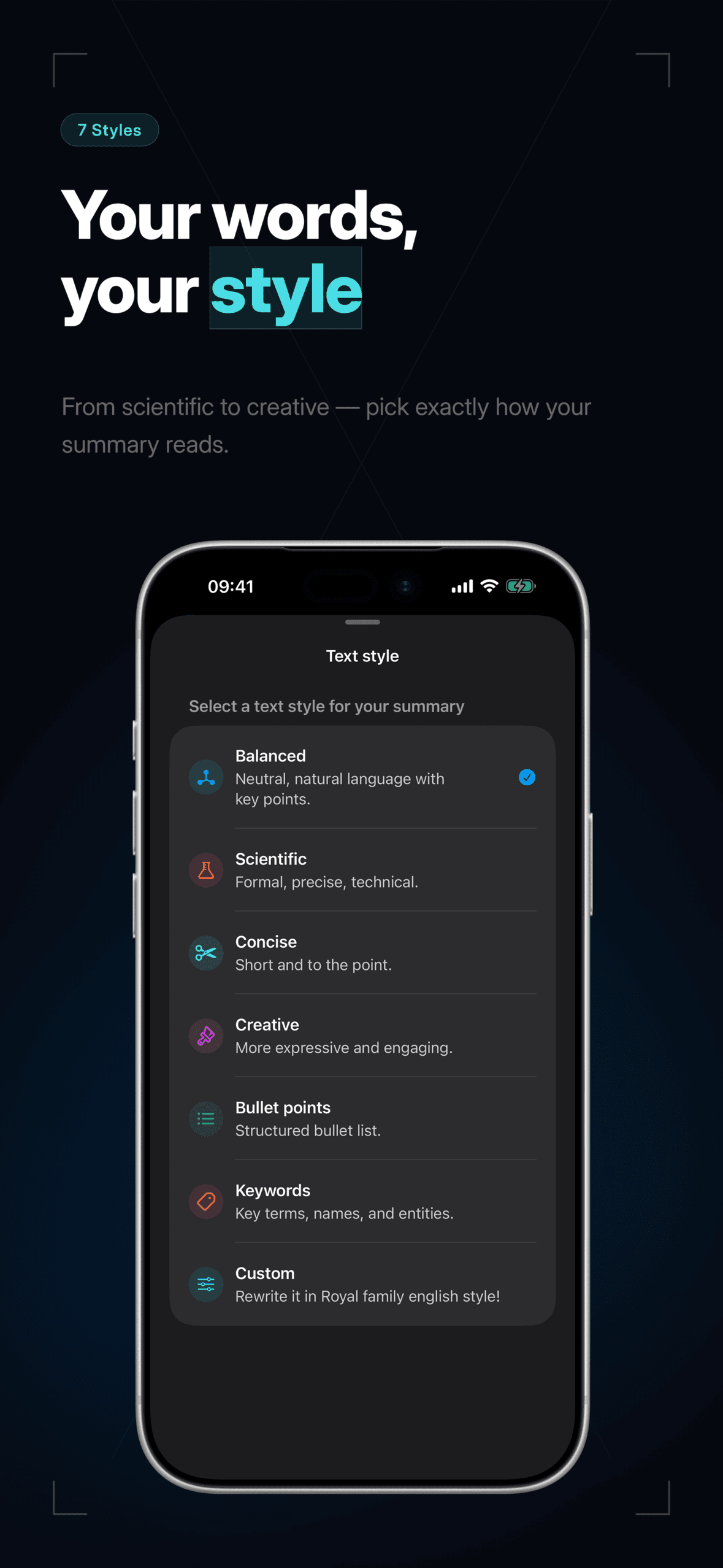
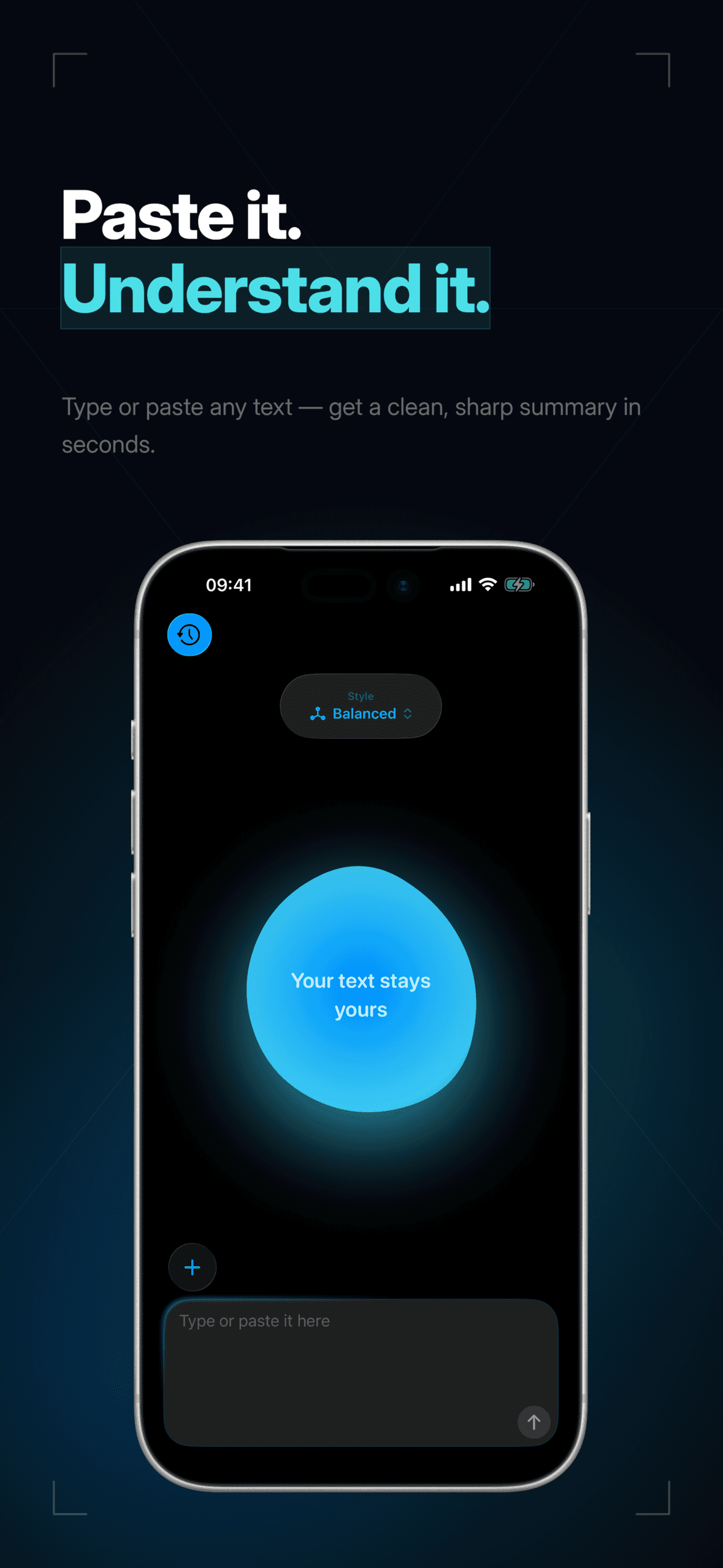
Corvo turns any text, PDF, scanned document, or shared content into a clean summary, entirely on your iPhone. Choose from balanced, scientific, concise, creative, bullet, keyword, or custom styles. Your text never leaves your device.
Story
Corvo started as a single question: what if a summary could feel less like a request to a server and more like a thought already forming in your head?
Apple Intelligence made the answer possible. The model runs on your device. The text never moves. And the summary still feels instant.
I wanted a tool that would let me read three things in the time it usually takes to read one, without ever trading away the privacy of whatever I'm reading.
Highlights
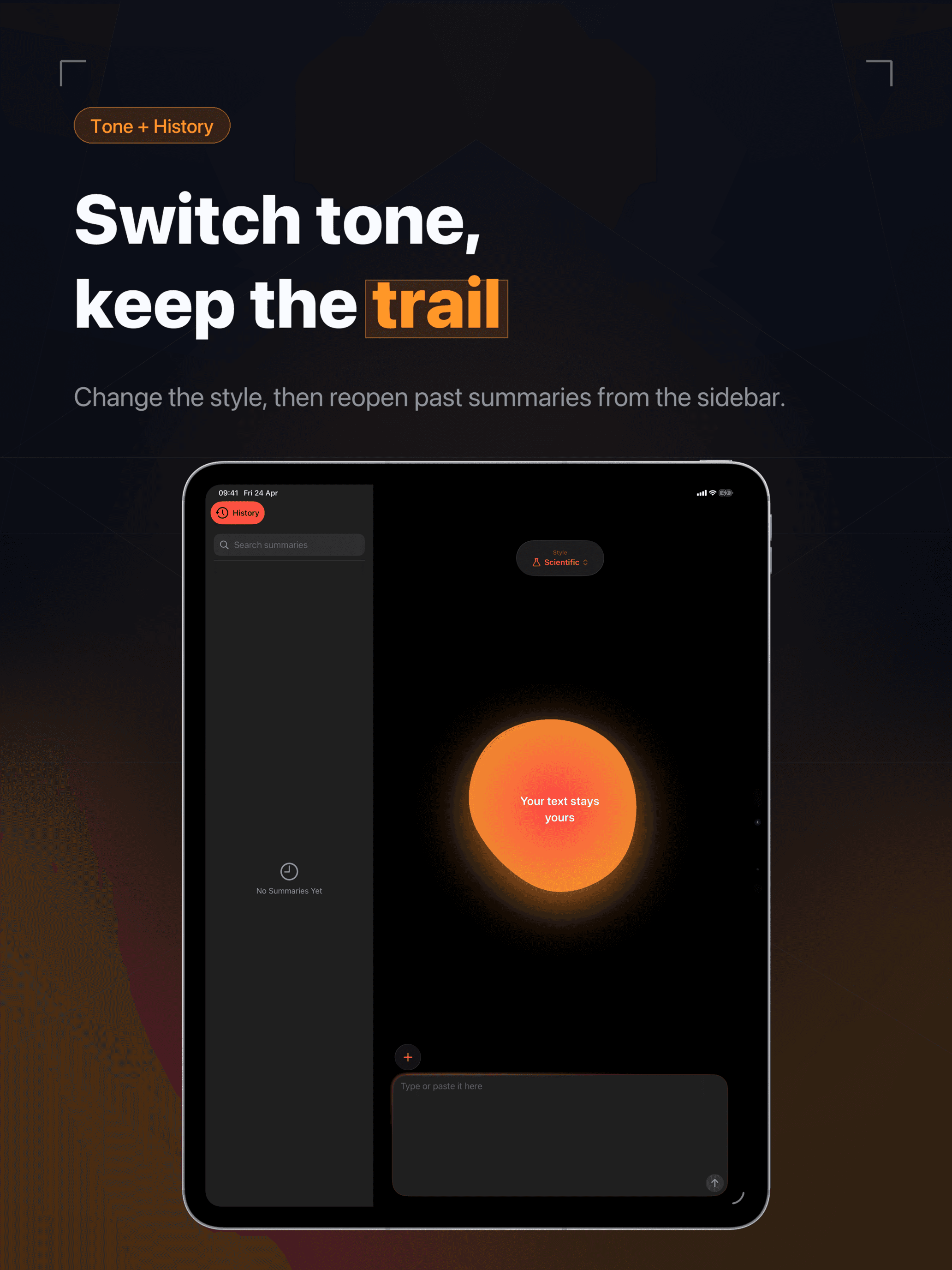
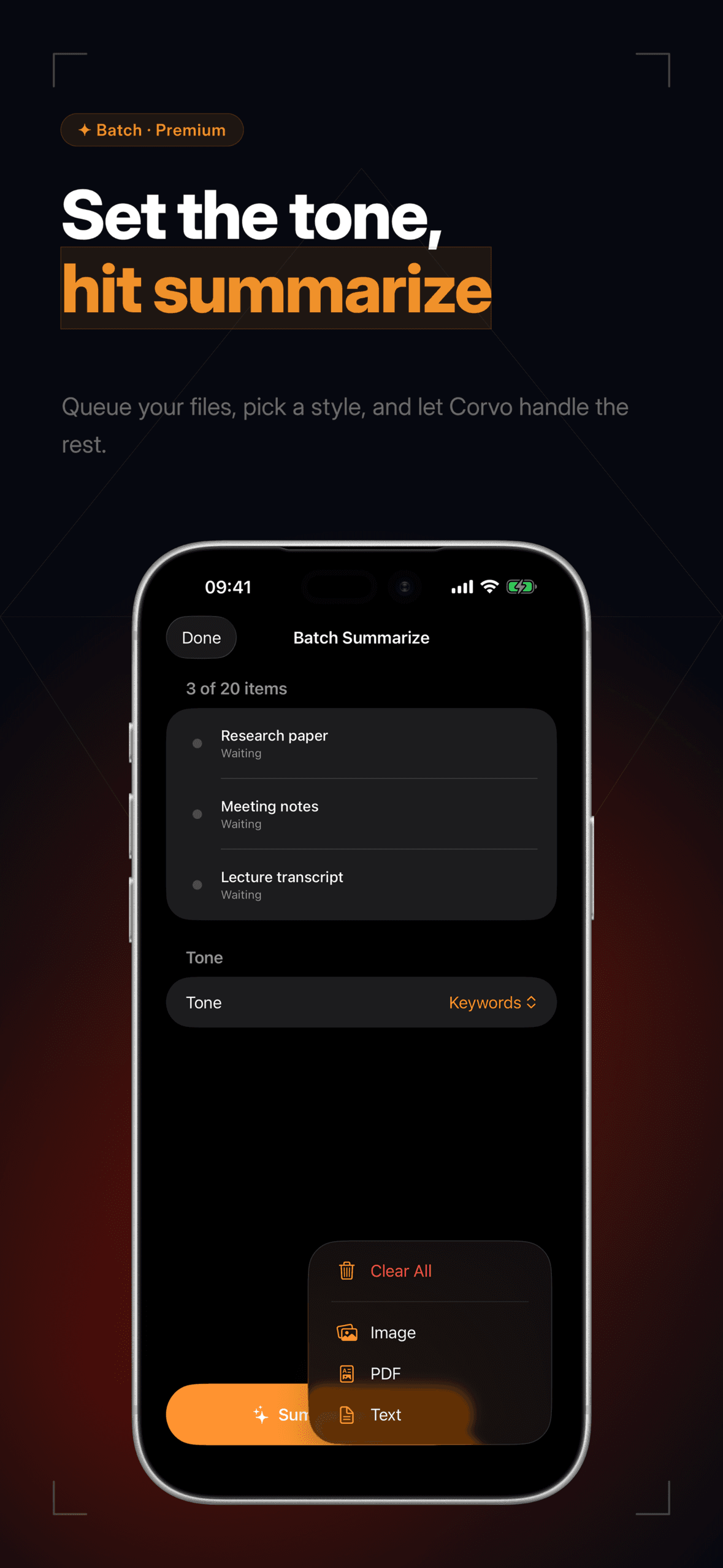
Seven summary styles: balanced, scientific, concise, creative, bullets, keywords, custom
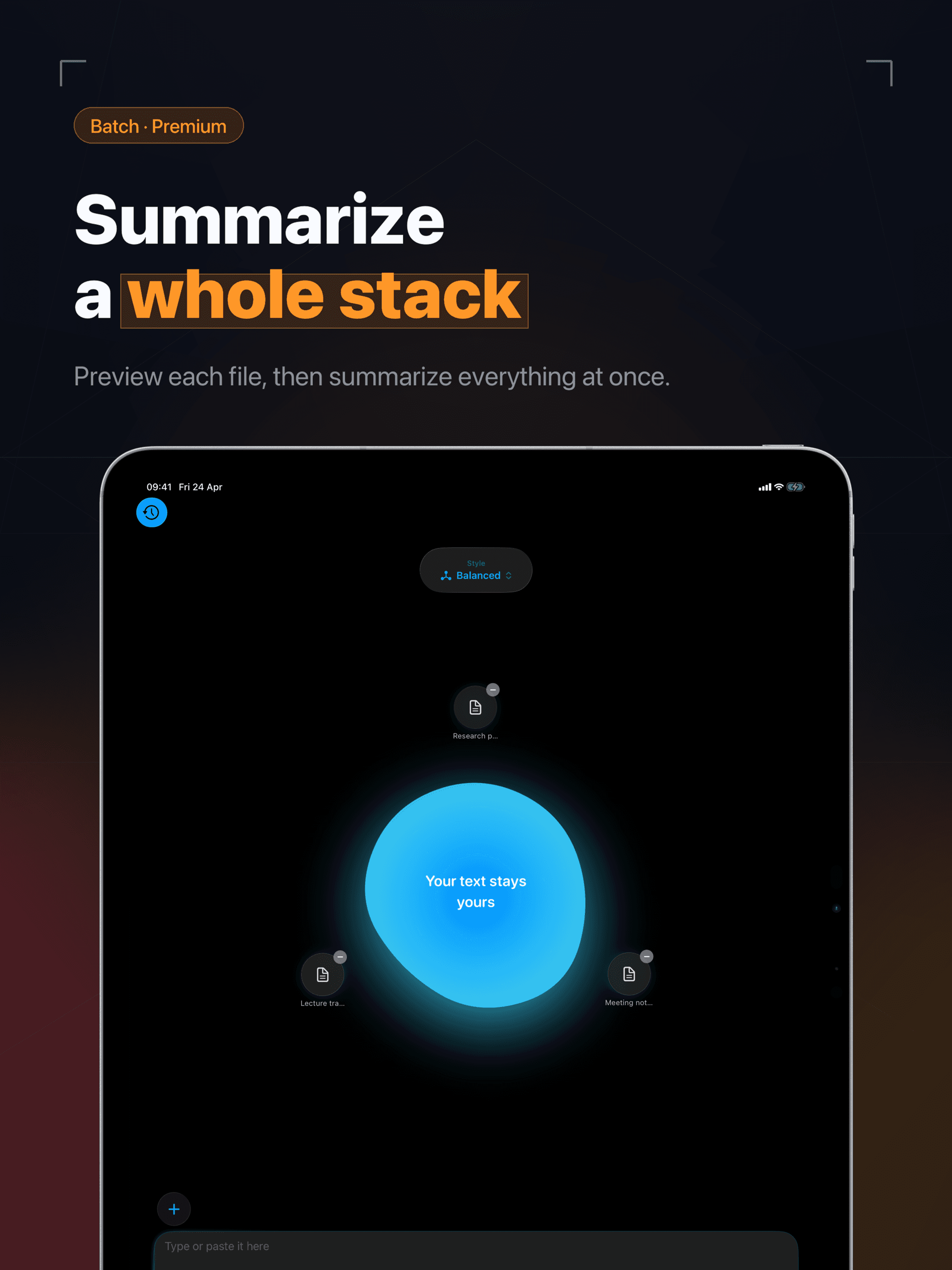
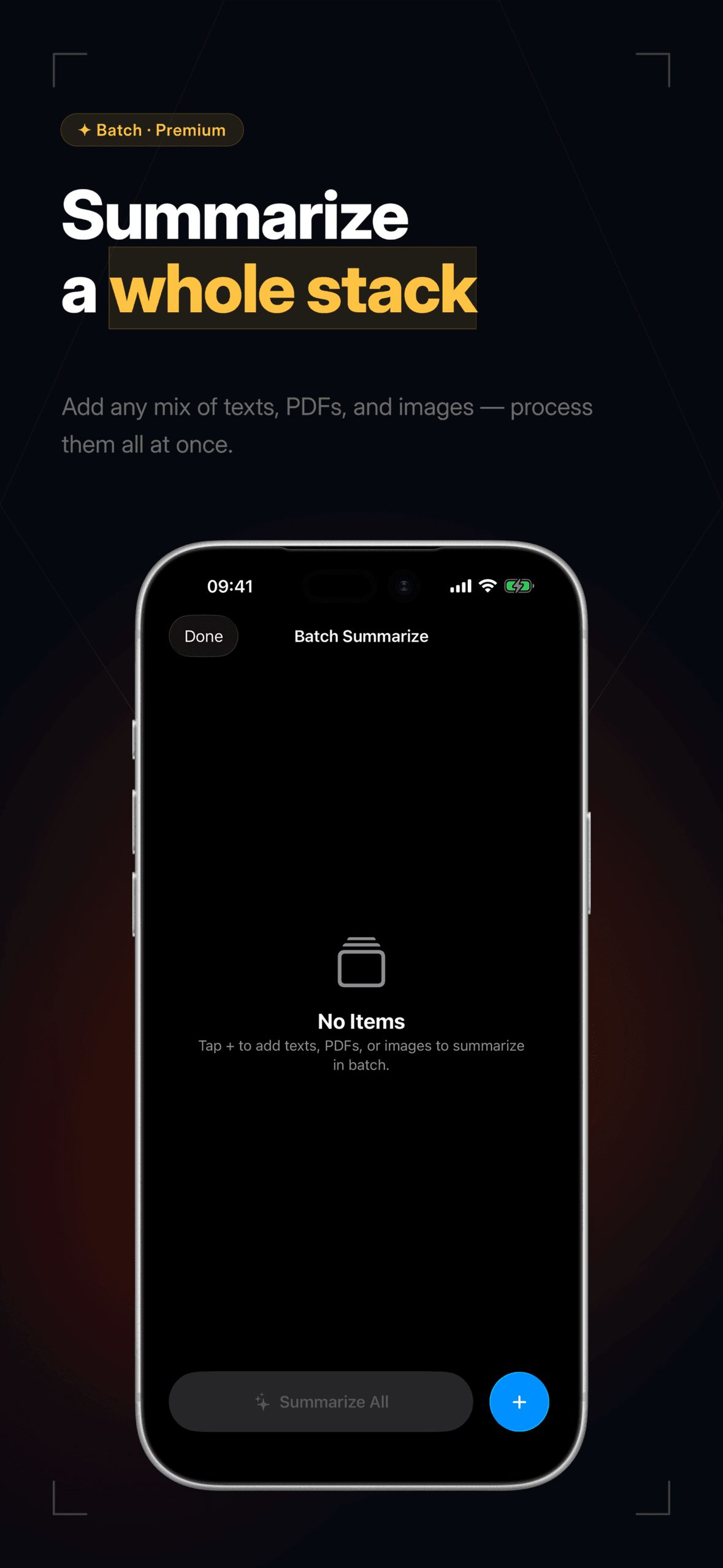
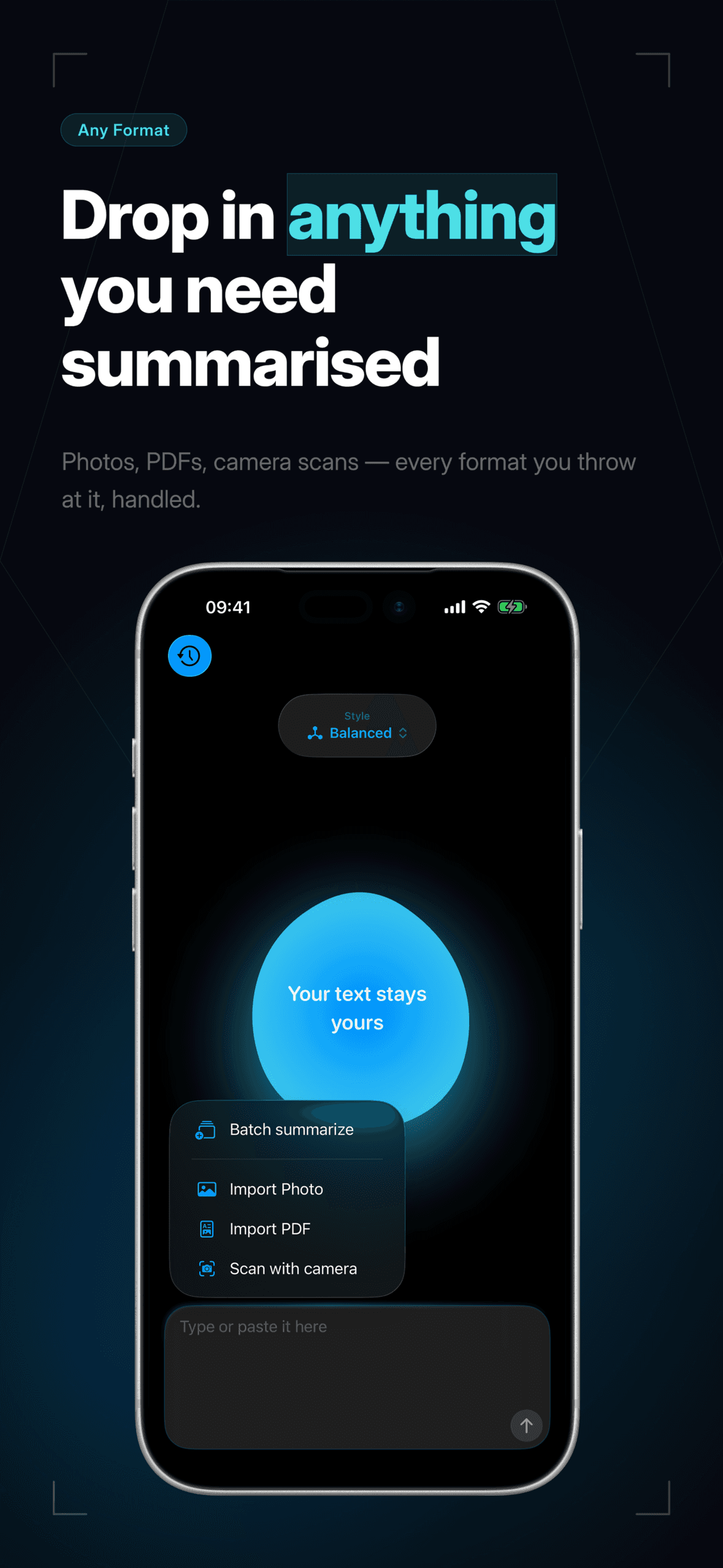
Text, PDFs, document scanning, share extension. Every input you'd reach for
Multilingual: English, Italian, Spanish, French, German, Portuguese, Japanese, Korean, Chinese
100% on-device. Your text never leaves your iPhone or iPad
Screens
See it in motion.
iPad · 7
iPhone · 9
Information
Platforms
iOS · iPadOS
Category
Utilities
Price
Free · IAP
Minimum OS
iOS 26.0+
Released
2025
Rating
★ 5.0 · 3 ratings
Get the app
Ready when you are.Corvo is on the App Store.
Privacy
Corvodoesn't track you, doesn't collect your data, and doesn't share what you put into it with anyone — not me, not Apple, not a third party.